Getting your Spotify Client ID
📄 Download this guide as a PDF-
Go to
developer.spotify.com/dashboardin your browser.
-
Click Log in, top right.

-
Log in with your own Spotify account.
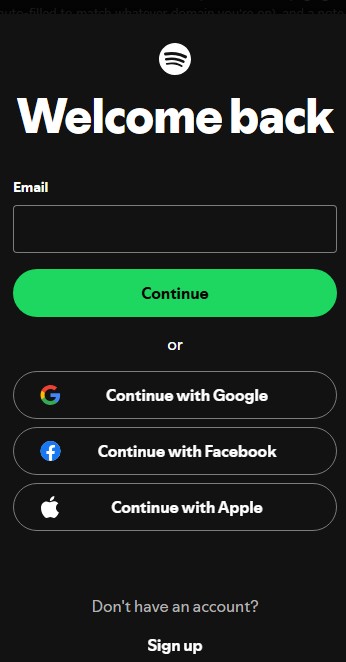
-
Open the account menu, top right, and choose Dashboard.
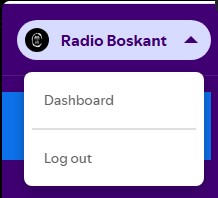
-
Click Create app and fill in the form: any App name and description,
Redirect URI entered exactly as
, tick Web API, agree to the terms, then Save.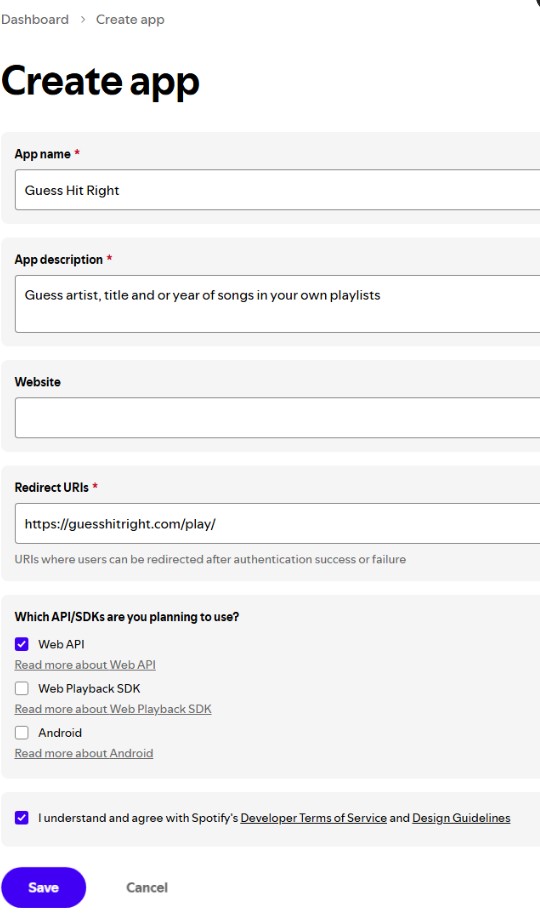
-
Your new app now shows up on the dashboard.
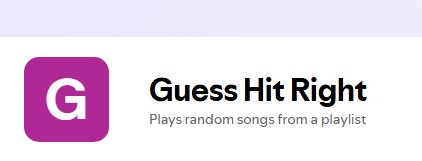
-
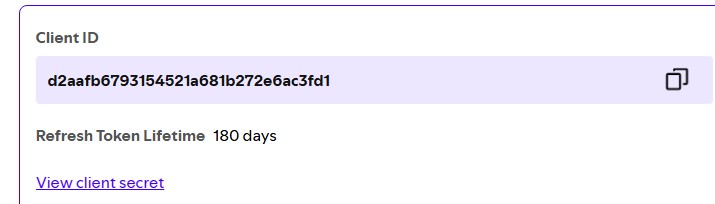
Open it, and copy the Client ID shown at the top. Paste it into the
Client ID field on Guess Hit Right and hit Save.
New Spotify apps start in "Development Mode" — only accounts you add under
Settings → User Management can log in (up to 25). That's fine for personal
or small-group use. Your Client ID is not secret and never leaves your browser
except to talk to Spotify directly.